Delegating Cloud Agent Runs From Slack When Your Team Has No DevOps Runway
Slack-triggered cloud agents need less DevOps than review discipline.
Teams can run Claude Code in the cloud without managing their own infrastructure by connecting Slack to a vendor-native integration or a multi-agent cloud platform. The provider runs the infrastructure, while the team configures repository access, the cloud environment, and the trigger. The real setup cost is deciding which messages start work, how far the agent may go, and who reviews the resulting pull request.
Why teams with no DevOps runway are now the target user for cloud agent delegation
Who provisions the machine? The vendor does, which removes the infrastructure task that a small team might otherwise have no one available to own. Cloud agent delegation moves execution into a managed environment rather than requiring an engineer to operate the machine. A seed-stage startup or small product team can therefore run the same class of agent workflow as an enterprise with a platform team.
The team still configures a cloud environment, including environment variables, a network access level, and a setup script. Installed files from that script are cached for about seven days. The remaining work is connecting that environment to where requests originate and establishing how completed changes return for review. That shifts the practical barrier from infrastructure expertise to workflow design.
What the trigger layer is and why it is now the real setup cost
The trigger layer is the set of entry points that turns a human signal into a running cloud agent session. That signal can be a Slack message, a GitHub event, a schedule, or a reaction emoji. The sender need not understand the underlying VM. The configuration links a familiar action to an agent, a repository, and a prompt that defines the work.
Vendor-native Slack triggers are available for Claude Code, Codex, and Cursor. For example, mentioning @Cursor in a Slack channel starts a Cursor Cloud Agent on Cursor’s managed infrastructure, while Enterprise workspaces can use Team Pools. The mention is only the visible entry point. Behind it, the team must connect OAuth, grant repository access, and supply the instructions that turn a message into a bounded task.
Codex supports event-based triggers through ChatGPT Work scheduled tasks, which can fire from new Slack channel messages, Gmail messages, or GitHub pull request events. A review request can thus start a code change without a person having to schedule the run. Claude Code routines can also start on a schedule or on GitHub events. These options expand the configuration choices while leaving the team’s responsibilities for provisioning servers and managing credentials at the operating-system level unchanged.
Which Slack messages are worth routing to an agent and which are not
A useful Slack request has a clear expected result and a small, bounded surface. “The export button returns 500 on large reports” identifies an error, a location, and a testable outcome. “Bump the Sentry SDK to v9 across all apps” describes a mechanical change that can be reviewed against a definite instruction. “The settings page shows the wrong timezone” gives an isolated symptom.
Requests that still need a product decision should stay out of this path until the team is clear on their scope. Automation cannot settle an undefined expected result. Vague requests consume compute and can produce partial or wrong output, leaving engineers to resolve both the original ambiguity and the proposed implementation. That is an expensive use of review capacity when review is already the constraint.
A person decides which messages qualify, then uses a direct mention or an agreed emoji reaction to delegate them. At the other end, the agent never merges. That is a governance decision rather than a technical limitation, preserving human responsibility for each change and supporting both audit trails and trust in the output.
How the delegation loop runs end-to-end, from Slack message to pull request
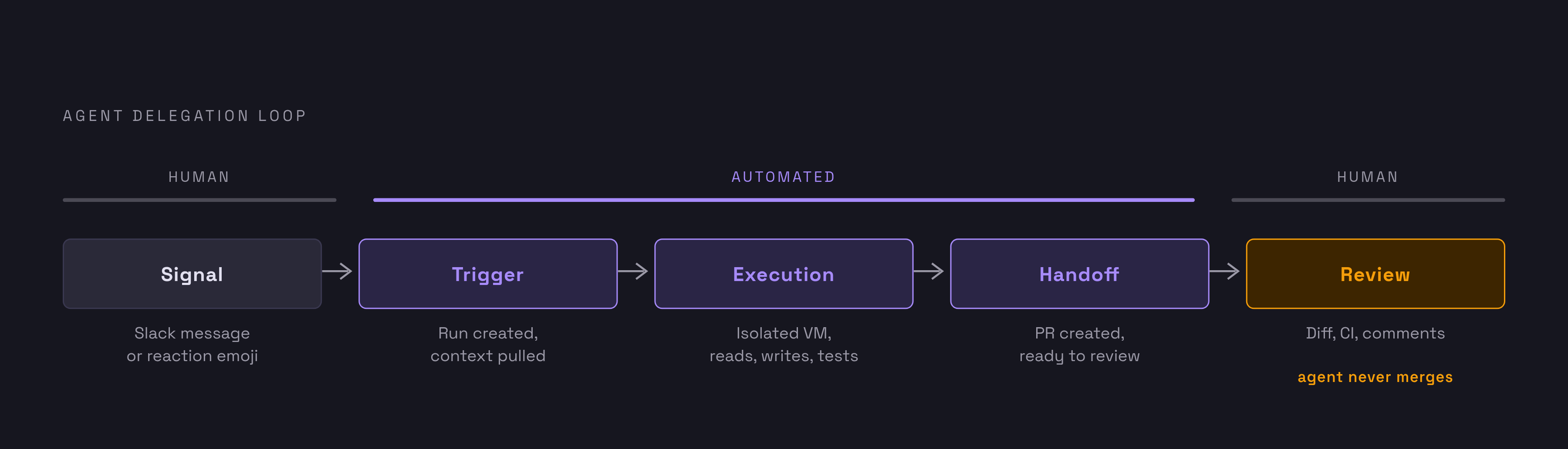
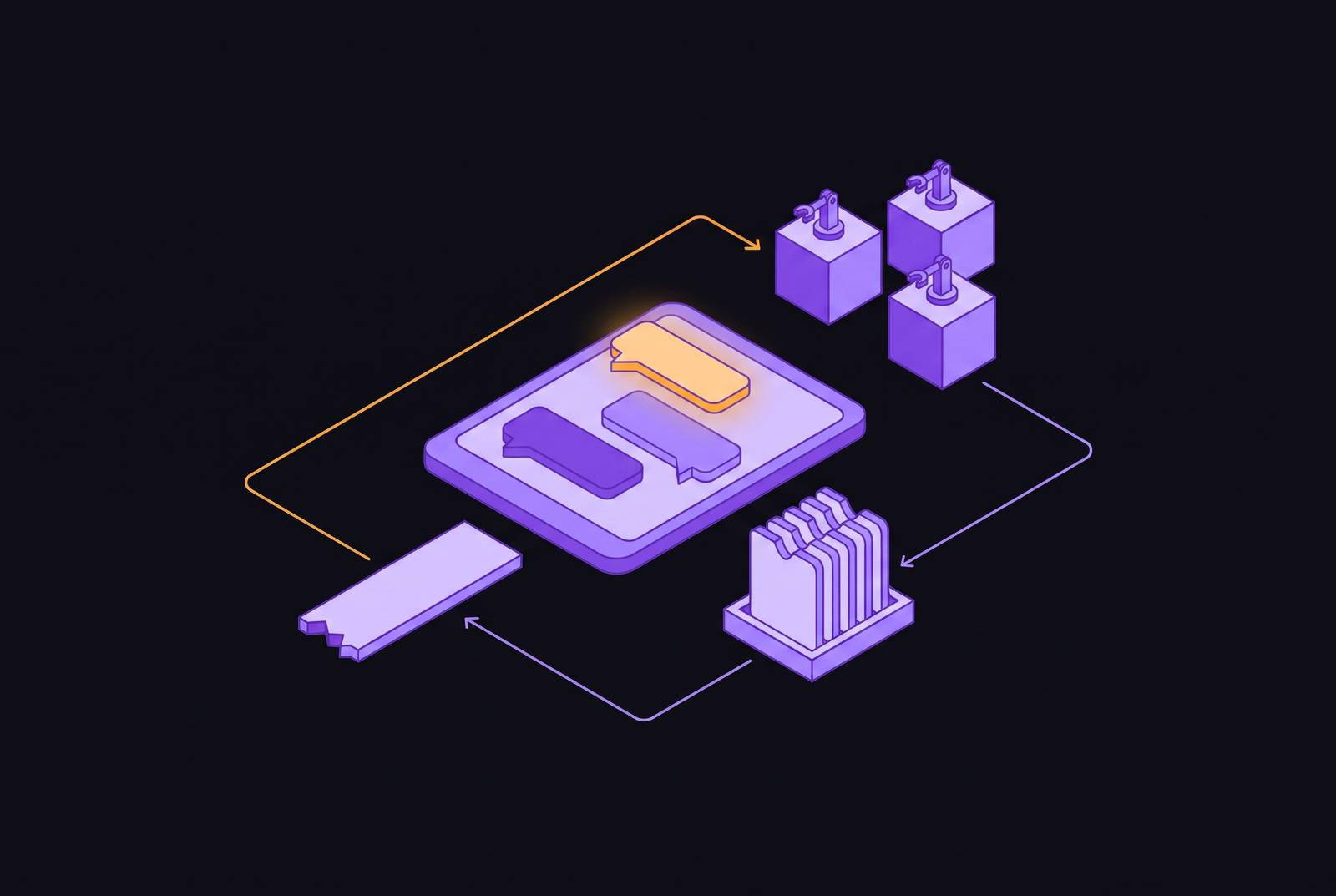
The loop begins with a signal in a designated Slack channel. A team member posts a qualifying message or adds the agreed reaction, such as a bug emoji, to an existing message. For a Message-in-channel trigger, thread replies do not re-fire the trigger. Discussion can continue without repeatedly starting new sessions.
The integration then converts the signal into a run, with channel history and thread context available to the agent automatically. The sender does not need to paste earlier discussion into a separate prompt. Context is not a substitute for scope. The prompt template still needs to translate a typical bug report into a task with an expected result and a stopping condition. Otherwise, a well-informed agent can still attempt more than the team intended.
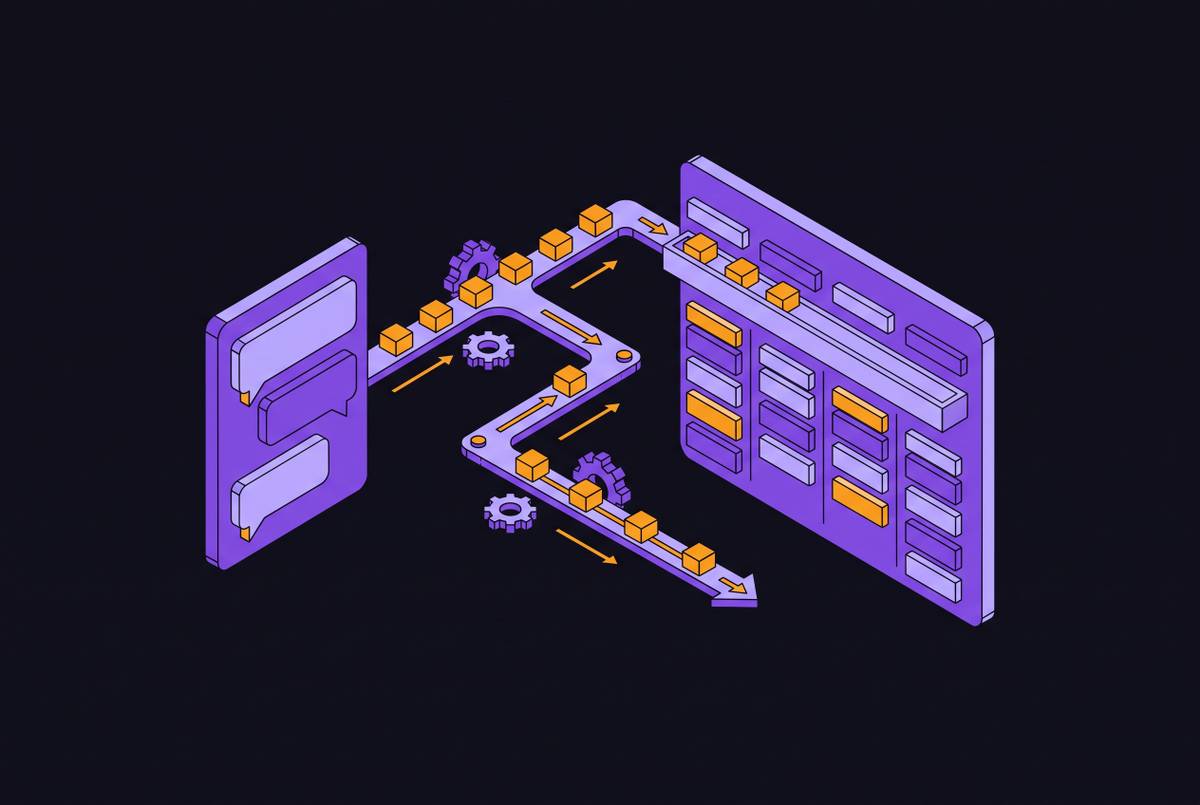
Execution happens in an isolated cloud VM with the connected repository, toolchains, and configured environment variables, where the agent reads code, writes changes, runs tests, and iterates until the task is done or it reaches the prompt’s stopping condition. The handoff then moves from execution to inspection. Interface labels such as “View Session” and “Follow along” identify ways to follow the work, while “Create PR” marks the move toward a reviewable change.
An engineer then reviews the PR on GitHub or GitLab, reads the diff, runs CI, and comments or requests changes before accepting it or sending it back. This remains engineering work, even when execution is delegated. To run this loop, the team first needs to set up Slack OAuth, give the platform’s app repository access, and sign in an agent under the platform’s settings. The target repository also needs its cloud environment and prompt template. Once these pieces are connected, later signals that qualify can follow the same path.
Parallel execution multiplies the value of that setup. Multiple Slack messages can start simultaneous agent sessions rather than requiring someone to supervise each task in sequence. When several workstreams start at once, the same number of engineers still have to review their output.
What breaks when the PR volume goes up
LinearB reports that teams using AI coding agents open 98% more pull requests. Agent-generated PRs also wait significantly longer for pickup and review than unassisted PRs, with the gap widening as volume increases. Engineering time shifts toward triage, comments, and assessment even as task throughput per developer increases.
For a small team, an active automation in a single #bugs channel can therefore produce open PRs faster than engineers can review them. Loose prompts intensify that mismatch by allowing each request to grow into a larger change. The queue becomes the constraint on delivery. A completed agent session is not yet a completed engineering task, because its output still needs a human decision.
The first lever is scope control at the trigger layer. The message filter determines which requests enter, while the prompt template determines how much the agent attempts. A tighter prompt leads to a smaller diff that takes less time to review. This is why request quality is an operational control rather than merely a way to improve the agent’s answer. Bounded, testable, well-specified work gives the reviewer a clear standard against which to judge the change.
The second lever is sequencing the review queue even when agents execute in parallel. The team needs a convention for who reviews agent PRs and when, just as it needs one for any other backlog. Higher output is useful only when accepted changes move through the whole loop, and disciplined scope can compress cycle time.
The governance layer a small team actually needs before going live
Before the Slack trigger goes live, the team should decide which credentials and repository access to grant and who can approve changes. The team can understand these choices without a dedicated infrastructure engineer. Agents must not get production secrets or any credentials beyond those needed for the task. Per-run cloud VMs that are reclaimed when idle rather than persisted across sessions provide a structural boundary, but they do not justify granting unnecessary access.
Repository scope is the next boundary to set. The GitHub or GitLab app should have access only to repositories the agent is expected to touch. Organization-wide access expands the blast radius of a run beyond its intended work. The same minimum-access principle applies to each connected integration.
OWASP’s Excessive Agency risk, LLM06:2025, identifies too much functionality, too many permissions, and too much autonomy as sources of risk. A Slack-connected agent may also have access to GitHub and a CI/CD pipeline, allowing actions across all three during a single run. Permission decisions therefore need to account for what the agent can do after the message starts execution. The operationally sound position is to grant only what the task needs.
Every output should go to a person for review as a PR, so the merge gate matters especially for a team with no formal security review process. Approval authority remains with an engineer. Prompt stopping conditions support that boundary by defining when execution should end and return control to the team.
A small team does not need SOC 2 audit readiness, self-hosting, or SCIM provisioning on day one. Those become relevant as the team grows or a regulated customer asks for them. The immediate priority is narrower and more concrete. The team needs to set access boundaries and decide who reviews the work before automated execution starts, while it can add broader compliance infrastructure as requirements grow.
How to pick the right agent and trigger setup to run Claude Code in the cloud
The choice depends on the team’s existing agent commitment and whether it needs on-demand work, automated schedules, or parallel runs. A vendor-native Slack integration is the simplest starting point for a team already using one agent and delegating tasks mainly through mentions. Teams can start with plans such as Claude Pro/Max/Ultra, ChatGPT Enterprise, or Cursor Team where the Slack integration is included. The attraction is a small configuration surface. One OAuth connection, one mention convention, and one vendor can be enough for that workflow.
That simplicity comes with a specific tradeoff. A vendor-native trigger runs that vendor’s agent in that vendor’s environment. Switching agents therefore means reconfiguring the trigger and changing the team’s workflow. This is a reasonable exchange for a team committed to one stack, but a less suitable foundation when agent choice itself is a requirement.
A multi-agent cloud platform suits teams that need a choice of agents, automated channel or reaction triggers, and sessions that run at the same time without queuing. It also fits a requirement for a single audit trail and recording across runs regardless of which agent executes them. Teams that want to bring their own model API keys and pay only for compute while workspaces are active should assess that billing model explicitly. Vendor-native options also support some event and schedule triggers, so automation alone does not establish that a separate platform is necessary.
OpenCode is an option for teams seeking an open-source, provider-agnostic agent. It lets the team control its local repository, choose its model provider, and stay free of vendor lock-in. That can suit privacy-sensitive teams or teams that need to inspect and modify the agent harness itself. Choosing it depends on how much control the team wants over the agent that does the work, a different choice from how to trigger it through Slack.
For a team starting with one agent and ad hoc Slack requests, the recommended starting point is its current vendor’s native integration. Retrofitting governance and trigger logic onto a single-vendor workflow is harder than choosing the appropriate layer at the outset. The decision should follow the work the team intends to delegate and the controls it needs to retain.