Triggering Claude Code From a Slack Thread
Let Slack threads brief a Claude Code agent on fixes and features.
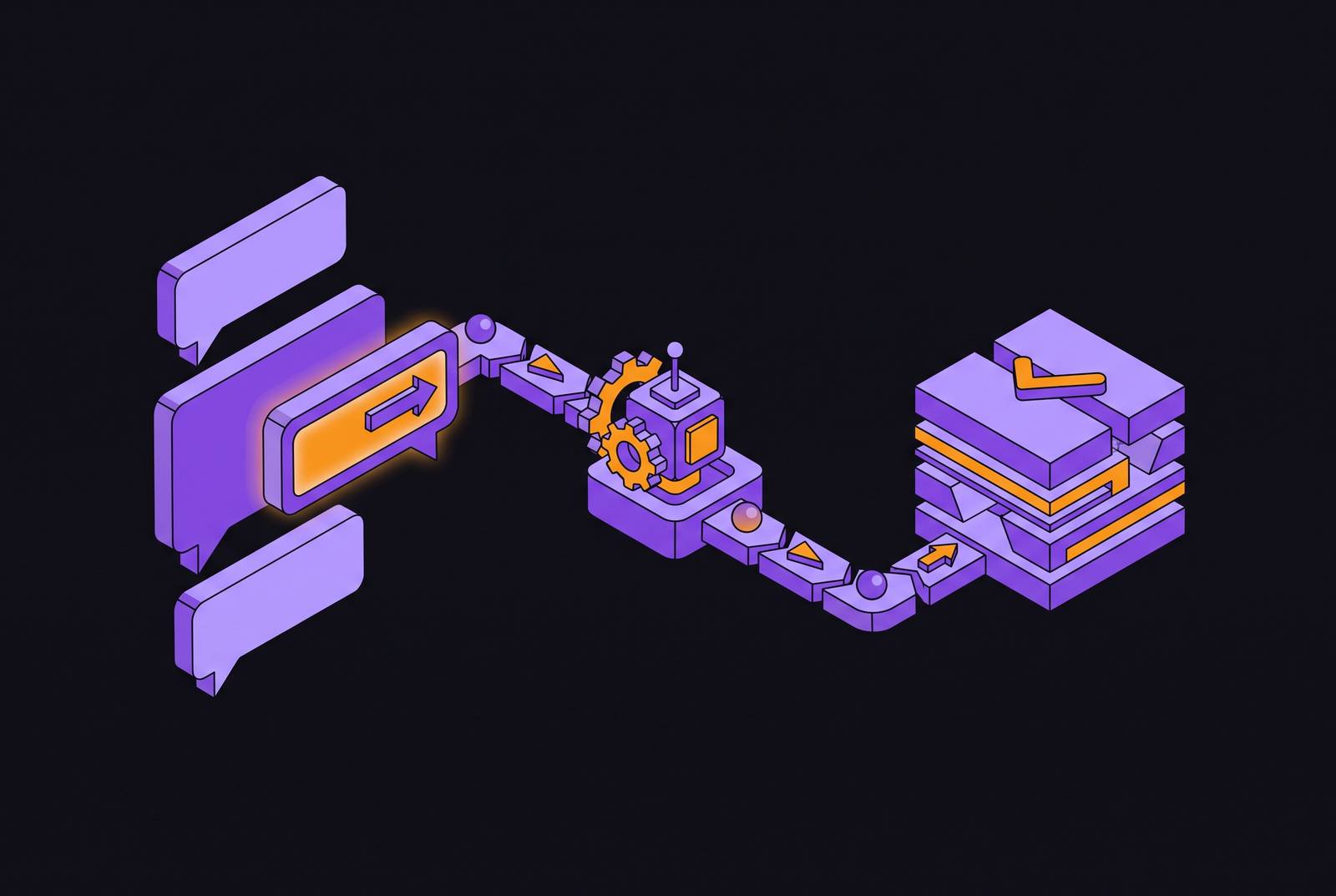
A bug report lands in an engineering channel. A teammate pastes a log snippet underneath it. Someone replies "someone should fix this" and the thread goes quiet while the actual fix happens somewhere else entirely, in a terminal, in an editor, in a pull request that links back to the conversation only if someone remembers to paste it. That gap, between where engineering teams talk about work and where the work gets done, has existed as long as Slack has been a place where bugs get triaged and small features get scoped before anyone opens a terminal. The Claude Code Slack integration closes it directly: tagging @Claude in a thread routes the surrounding conversation into a new Claude Code cloud session on claude.ai/code, which reads the thread context to determine the connected GitHub repository the task belongs to. The thread is no longer just a record of a discussion; it becomes the brief the agent works from. That is the shift this article is about: not a chatbot that can also write code, but a coding agent that treats Slack conversation as its input.
What the integration does under the hood
When a developer mentions @Claude with a coding task, the system detects that intent and starts a real Claude Code session in the cloud, under that developer's own account and repository access. It is not a shared workspace bot answering in a generic chat mode. The Claude app listed in the Slack Marketplace draws this line explicitly: it describes the coding path as something that automatically routes work to Claude Code, separate from the general assistant behavior Claude offers in direct messages and ordinary chat.
The distinguishing capability is context gathering. Claude pulls from the thread where it was mentioned and from recent channel messages, so a bug report, a log snippet pasted by a teammate, or a design decision argued out three replies earlier all travel into the agent's working context before it touches a single file. That is what makes the thread more than a trigger: it functions as the briefing document the agent reads before acting. The session then runs against whatever GitHub repository the developer has connected to their Claude Code account, and when the work concludes, the agent replies in the thread with a summary and action buttons, including one to open a pull request. The result stays anchored in the conversation where the task started.
How that session is scoped depends on the plan. For Pro and Max accounts, each session still runs under an individual's account and repository access, not a shared workspace identity. Team and Enterprise plans work differently: they now use Claude Tag, which runs as a shared workspace identity with access configured by an admin. That distinction carries real weight for any team thinking about permission scoping and auditability, because it determines whose credentials are doing the work and who is accountable for what gets merged.
Prerequisites and setup before the first @mention works
Before the first @mention can do anything useful, a short list of things needs to be true:
- The workspace needs Claude Pro, Max, Team, or Enterprise with Claude Code access enabled. The integration is not available on free plans.
- GitHub needs to be connected to the Claude Code account, with the relevant repositories authorized. A mention that falls back to ordinary chat mode almost always traces back to a missing or incomplete GitHub connection.
- The Claude app has to be invited into the channel before it will respond there, using /invite @Claude. It stays silent in channels where it hasn't been explicitly added.
- GitHub is the only repository host the first-party Slack integration currently supports. GitLab and self-hosted repositories fall outside its reach for now.
- If Claude answers in chat mode rather than starting a code session, the "Retry as Code" option forces the request into a proper Claude Code session, which matters before anyone concludes the feature simply isn't working.
None of this takes more than a few minutes to set up, and the failure modes are predictable enough that most teams only hit them once. Once these pieces are in place, the quality of what comes back depends almost entirely on how the thread itself is written.
How thread structure determines whether the output is mergeable
An ambiguous or noisy thread produces ambiguous or noisy code, so the variable an engineer controls at this stage is how the task gets framed in the conversation the agent will read, not model quality. A request like "make the homepage better" will produce output nobody can merge, while a focused, well-defined ask tends to produce something close to done. The discipline required is the same discipline that applies to prompting Claude Code from a terminal, but the thread format makes it easier to skip that discipline without noticing.
Four task templates, drawn from documented patterns, reliably produce mergeable output:
Ask Claude to summarize the issue and repro steps from the thread, identify the likely root cause, implement a fix, and open a pull request, posting progress updates back to the thread as it works.
Ask for a plan before any code gets written, something like "reply with a short plan and risks before writing any code. This single step prevents churn on feature work where scope hasn't been pinned down yet.
Ask Claude to list the files it plans to touch before implementing anything, then implement and open a pull request. This gives the team a checkpoint before broad changes land, so the blast radius is visible before the fact.
Debugging triage from a noisy thread: ask for a five-bullet summary of the thread, two likely root causes, and a validation plan, then make sure that summary is right before you let the agent proceed.
These four shapes serve different kinds of tasks rather than competing with each other, and choosing among them is mostly a matter of matching the template to how well-defined the problem already is. For teams that have already invested in Claude Code from the terminal, there's a compounding payoff here: any custom commands, subagents, hooks, or.claude/ folder workflows built for CLI use travel with the agent into Slack automatically. So once infrastructure is built, it applies to every surface where you can summon Claude Code.
What the Agent Can and Cannot Do from a Slack Thread
The integration handles bug investigation and fixes, small well-scoped feature additions, mechanical refactors, and background tasks kicked off while the rest of the conversation continues, in all cases where the thread already contains enough context to brief the agent properly. Those are tasks suited to delegation, where a clear ask and a clean handoff produce a usable result without much back-and-forth.
The limits are just as concrete. But if a change spans multiple systems, a single thread often can't brief it well enough. Tasks requiring UI preview or rendering don't work at all right now, because Claude Code has no way to display frontend changes for visual review. If a request spans multiple repositories or involves hosts outside GitHub, it falls outside the integration's current reach. None of this makes the tool weaker so much as it defines where it fits: the Slack thread functions as a launch pad and an update channel, not a workspace for iterative back-and-forth. If you need genuine collaboration or refinement over several rounds, the Claude Code web UI is the better surface, because the Slack path is built for delegation, not dialogue.
The account model reinforces this. Execution ties to an individual's account and repository access rather than a shared workspace credential, so one person's @mention runs under that person's permissions. That's a reasonable security property, and also an operational constraint for teams that want shared accountability over agent-triggered changes. Anthropic has addressed this directly: a shared workspace identity, where @Claude acts as a team-level agent rather than running under one person's session, has shipped as Claude Tag, launched in public beta on June 23, 2026, for Claude Enterprise and Team customers. Teams that want shared identity, isolated sandboxes, or access spanning multiple repositories need to look past the native integration toward the infrastructure layered around it; the next two sections cover that infrastructure.
Hardening the environment: sandboxing, permissions, and credential isolation
An agent triggered from a Slack mention runs with the same repository access and credential scope as the person who triggered it. Without deliberate scoping, a misconfigured trigger can expose secrets or authorize writes that should never have been possible, which makes the execution environment as much a design concern as the prompt itself.
Claude Code's sandbox controls address this directly. The sandbox.credentials setting blocks sandboxed commands from reading specific credential files and secret environment variables that get explicitly listed. There's no built-in deny list, so a team must deliberately configure the entries it wants restricted. Two further settings, allowManagedPermissionRulesOnly and allowManagedHooksOnly, stop local settings files from overriding policy that a team has centrally managed, and that matters once more than one engineer can trigger agent runs against shared infrastructure.
A permission-scoping bug closed in version 2.1.214 (July 2026) illustrates why this layer deserves scrutiny. A single-segment rule such as Edit(src/**) had been auto-approving writes to any nested src/ directory anywhere in the tree, rather than restricting itself to the src/ directory under the current working directory. Teams that had been relying on path-scoped permission rules before that fix should audit their configurations, since the scope they thought they had wasn't the scope they actually got.
The recommended posture for team-wide Slack-triggered runs follows from these controls directly: run agent sessions in a container behind a network firewall, enforce managed settings with allowManagedPermissionRulesOnly and allowManagedHooksOnly turned on, and enable the bash sandbox with strict network isolation. Treating the execution environment with this level of rigor is what separates a convenient demo from something a team can run unattended at scale.
Extending the pattern beyond the native integration: Linear, GitLab, and multi-agent workflows
The native @Claude Slack integration is GitHub-only and scoped to individual accounts. Teams running on GitLab, tracking work in Linear, or wanting a shared workspace identity beyond what Claude Tag provides need to layer additional paths on top of it or alongside it.
For Linear-centric teams, three paths exist, each with a different tradeoff. The first runs through a GitHub Action: installing the Claude GitHub App, adding an authentication secret, and committing a workflow file means that mentioning @claude in an issue or pull request comment, posted by a user with write access, starts a run on a GitHub-hosted runner. This path needs no separate Linear connector for basic flows, but Linear's native ticket context doesn't travel into the session on its own. The second is the Linear MCP connector, which enables developer-driven sessions where a Linear ticket's description and comments get pulled directly into a Claude Code session as its brief, giving the agent richer grounding than the GitHub Action path offers on its own. The third is a hosted wrapper pattern: a wrapper assigns work from the Linear ticket, checks out the repository into an isolated sandbox, runs Claude Code against it, streams progress back to the issue, and opens a draft pull request linked to the ticket. This third path reproduces the full thread-to-PR pattern for teams whose work lives primarily in Linear.
Claude Code also ships a first-party GitHub Actions integration and a GitLab CI/CD integration, currently in beta and maintained by GitLab, along with cloud routines that run on a schedule or in response to GitHub events. So teams can trigger agent runs from CI events instead of waiting on a human @mention, and that extends the same pattern to automated triggers.
For tasks too large for a single focused change, Claude can write a JavaScript orchestration script that fans out to many concurrent subagents, holding intermediate state outside the context window rather than trying to carry everything in one session. This orchestration pattern applies to Slack-triggered work just as it does to any other entry point, once a task outgrows what a single agent session can reasonably handle.
Managing context and memory so agent quality improves over time
Every Claude Code session starts with a fresh context window, but two mechanisms carry knowledge forward between sessions. CLAUDE.md is authored by the developer and holds project instructions and rules. Auto memory is written by Claude itself, accumulating learnings and patterns, and loads an initial portion of its content at session start into ~/.claude/projects//memory/MEMORY.md.
CLAUDE.md functions as the team's contract with the agent. It should specify repository conventions, testing requirements, PR formatting rules, and anything else the agent needs in order to produce mergeable output consistently, and a Slack-triggered session reads this file exactly as a terminal session does. Auto memory compounds that foundation over time: an agent that has already fixed similar bugs in a given codebase carries a richer model of that codebase's failure patterns into the next thread it's mentioned in, so the system gets measurably better at the team's specific problems the more it runs against them.
Claude Code's memory breaks down into four layers: working memory, which is the context window itself; semantic memory, the CLAUDE.md hierarchy; procedural memory, held in skills under.claude/skills/; and episodic memory, the auto memory system. If a team invests in the semantic and procedural layers, Claude Code gives better output on every surface it touches, Slack included. The practical implication is straightforward: a team that writes a solid CLAUDE.md once gets that investment reflected in every Slack-triggered session, every GitHub Action run, and every terminal session afterward. The briefing travels with the agent wherever it gets summoned.
What to review before merging a Slack-triggered PR
A pull request that arrives through a Slack thread deserves the same scrutiny as one written by a person, and in some respects it deserves more, because the thread that produced it may have been less precise than a written specification would have been. The first thing to check is whether the agent's own summary of the thread matches what the thread actually said, since a misread bug report or a misunderstood feature request propagates directly into the code that follows. The second is scope: did the change stay within the files and systems the task actually called for, or did it wander into adjacent code the thread never mentioned. The third is the test coverage the agent included: a fix without a regression test addresses the symptom in the thread but doesn't protect against the same bug recurring.
Beyond the code itself, the permission and credential questions raised earlier in this piece apply at review time as well. A reviewer should know whose account the session ran under, what repository access that account carried, and whether the sandbox and permission rules in place were sufficient for the scope of the change being reviewed. None of this turns review into a bottleneck if the setup work described throughout this piece, the CLAUDE.md contract, the sandbox hardening, the task templates that keep threads focused, has already been done. It turns review into what it was always meant to be: the point where human judgment confirms that a mergeable-looking PR is actually safe to ship.